Rigid Fold Retail Box: Smart Packaging for Premium Products
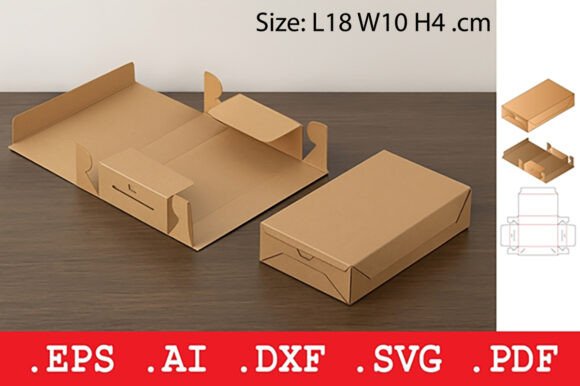
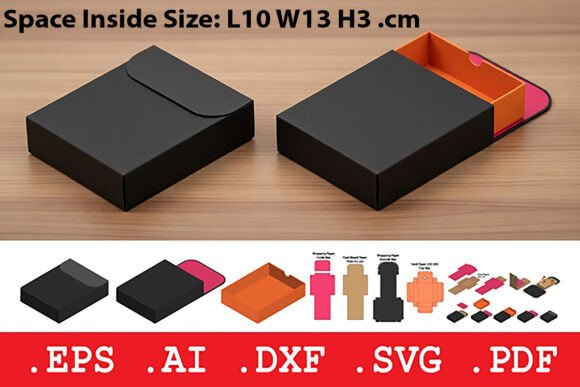
When it comes to packaging high-end items like cosmetics, electronics, and luxury accessories, presentation matters just as much as protection. The Rigid Fold Retail Box offers a reliable, elegant solution with its sturdy hardboard construction, folding lid, and secure tuck closure. It’s designed to make a lasting impression while ensuring your product arrives in perfect condition. But like any packaging choice, it’s important to understand how to use it correctly to get the best results.
What Makes the Rigid Fold Retail Box Unique?
The Rigid Fold Retail Box stands out for its rigid structure and clean, rectangular shape. Unlike flexible packaging options, this box maintains its form, giving your product a premium feel. It's especially popular among businesses that want to create a memorable unboxing experience without compromising on durability during shipping.
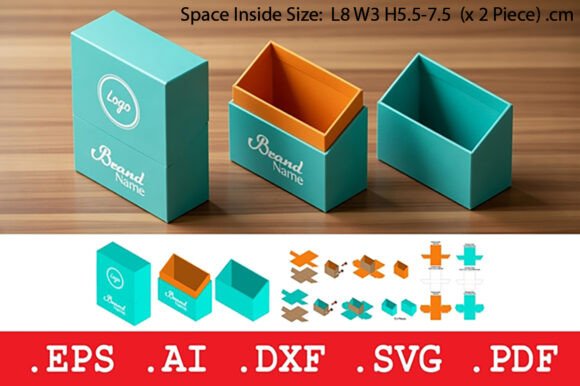
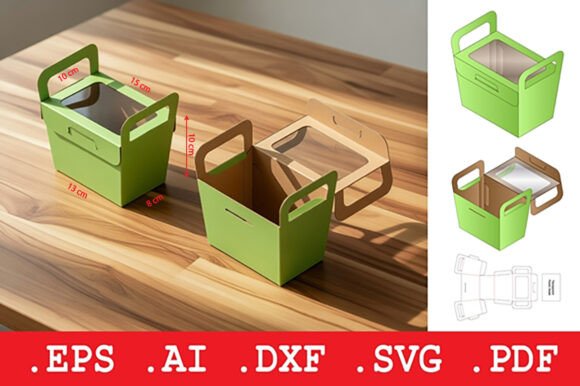
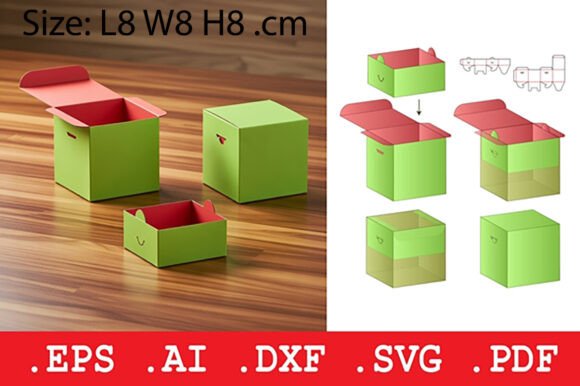
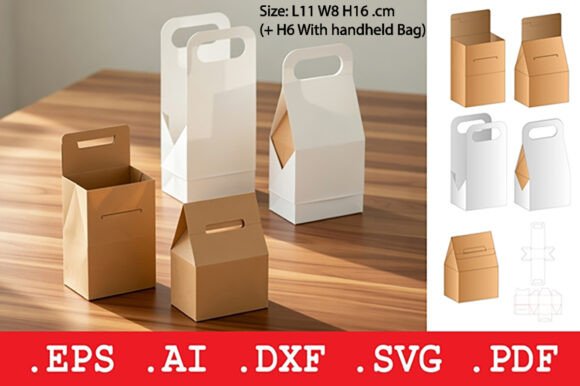
It's compatible with a variety of file formats—like .DXF, .SVG, .EPS, .PDF, and .AI—making it versatile for both digital design and industrial production. Whether you're using a laser cutter or preparing for large-scale printing, this packaging template adapts to your workflow.
Common Mistakes When Using the Rigid Fold Retail Box Template
While the Rigid Fold Retail Box is a powerful packaging solution, users often overlook key details that can affect the final result. Here are some of the most common pitfalls and how to avoid them:
1. Ignoring Material Specifications
One of the most frequent mistakes is using the wrong type or thickness of hardboard paper. The template is designed for rigid materials, and using something too thin or flexible can compromise the box's structure and presentation.
Better approach: Stick to the recommended material weight and type. If you're unsure, test a small batch first to ensure the box holds its shape and opens/closes smoothly.
2. Skipping the Test Assembly
Some users jump straight into full production without testing the box design. This can lead to issues like misaligned folds, poor closure fit, or difficulty in assembling the lid.
Better approach: Print or cut a sample using scrap material before committing to your final product. This helps identify any design flaws or adjustments needed for smoother assembly.
3. Overlooking Printer or Cutter Settings
Even with the right file format, incorrect settings on your CNC machine, laser cutter, or printer can cause inaccurate cuts or scoring lines. This affects how well the box folds and holds together.
Better approach: Double-check your machine settings for the specific file type and material you're using. Make sure line thickness and cut depth are correctly configured.
4. Misjudging Product Fit
Another common issue is not accounting for the exact dimensions of the product inside. A box that's too tight can damage the item during insertion, while one that's too loose offers poor protection.
Better approach: Measure your product carefully and allow for a snug but not tight fit. Consider adding internal dividers or padding if needed for extra stability.
Choosing the Right File Format for Your Needs
The Rigid Fold Retail Box comes with multiple file types, each serving a specific purpose. Choosing the wrong one can lead to wasted time or poor-quality output.
- .DXF – Best for CNC and laser cutting machines. Make sure your software supports this format before use.
- .SVG – Ideal for digital design and craft cutters. Check compatibility with your cutting software.
- .EPS – Used for industrial printing. Ensure your printer supports vector-based files.
- .PDF – Great for viewing and manual cutting. Always print at 100% scale to maintain accuracy.
- .AI – The original Adobe Illustrator file. Best for full customization by a graphic designer.
Tip: If you're not sure which file to use, start with the PDF for a quick preview and measurements. From there, choose the format that best suits your production method.
Designing for a Professional Presentation
One of the main advantages of the Rigid Fold Retail Box is its clean, polished look. But poor design choices—like cluttered branding or mismatched colors—can take away from that premium feel.
Mistake: Overloading the box with too much text or graphics, making it look busy and unprofessional.
Solution: Keep your design simple and elegant. Use high-quality images and consistent fonts. Make sure your logo and product name are clearly visible but not overwhelming.
What to Check Before Finalizing Your Purchase or Use
Before you download or order the Rigid Fold Retail Box, take a moment to verify a few key details:
- Compatibility: Does the template support your cutting or printing equipment?
- Dimensions: Are the box measurements accurate for your product size?
- Material Requirements: Does the design specify the correct hardboard thickness?
- Customization Options: Do you have access to editing tools if you need changes?
- Instructions: Is there a guide for assembly or setup?
Checking these points can save you time, reduce errors, and ensure a better final product.
Final Thoughts: Getting the Most from Your Rigid Fold Retail Box
The Rigid Fold Retail Box is more than just a container—it's a branding opportunity and a promise of quality. When used correctly, it enhances your product's value and protects it during transit. But success comes from understanding the design, choosing the right materials, and paying attention to detail.
Whether you're a small business owner, a designer, or a hobbyist, taking the time to learn how the Rigid Fold Retail Box works will lead to better results and a more professional outcome. Avoid the common mistakes, test your setup, and make sure every box you produce reflects the quality of what's inside.